

A softphone connects people. A CRM must connect facts: the card, queues, SLA, and supervisor cockpit — without a big-bang launch.
A softphone answers the call. A CRM answers the business question
A typical call-center day looks like this: a call hits the queue, an agent picks up, and then the small contexts start colliding. Who is this customer? Did they call yesterday? What plan are they on, which ticket is open, was a callback promised? Where did the lead go after the transfer to sales?
If answers live in a shift lead’s head, a Telegram chat, and three spreadsheets, you are scaling chaos — not service. A softphone is necessary but not enough: it connects people. A CRM must connect facts.
That is why “CRM for a call center” is not “another sales contact card”. It is an operating contour: card + routing + statuses + quality control + handoffs between roles without losing history.
Five layers the contour cannot skip
- Contact and company card. Full timeline: calls, chats, email, tickets, deals, promises. Without one card, every transfer is “start over”.
- Queues and routing. Skills, priority, overflow, VIP rules, SLA timers. Otherwise load goes to “who is free”, not “who is competent”.
- Scripts and checklists. Not a 40-screen novel — short branches for complaint, sales, support, repeat contact. Following the script must be faster than improvising.
- Supervisor cockpit. Live occupancy, abandoned rate, first-response time, repeat-contact share, QA sampling. If metrics are missing during the shift, you manage by gut feel.
- Integrations. PBX/softphone, messengers, email, billing, field teams. A call without a card entry is a hole. A card without the call is decoration.
What usually kills adoption
Buying a “sales CRM” and forcing agents to fill ten fields that do not help the conversation. In two weeks fields are empty, reports lie, trust collapses.
Ignoring wrap-up codes and call outcomes. Without outcomes there is no funnel, no refusal analysis, no training material.
No role model. Agent, team lead, and QA need different screens. If everyone sees everything, you get noise or fear.
Telephony disconnected from the card. The call ends — context dies. The next agent asks for the name again.
Big-bang go-live. Trying to turn on telephony, messengers, complex SLA, AI, and ERP integrations at once. The team never builds a habit even on the base contour.
A practical 4-week rollout
Week 1. Customer cards, call logging, basic queues, simple statuses. Goal: the agent opens the card before talking.
Week 2. Short scripts for 3–5 key scenarios, wrap-up codes, a simple first-response SLA. Goal: a consistent quality floor without bureaucracy.
Week 3. Supervisor dashboard and QA samples. Reviewing 10–20 calls a week beats a pretty BI that nobody opens. Goal: run the shift on facts.
Week 4. Messengers/email and handoff to sales/service with history preserved. Goal: the customer does not retell the story on every channel.
Rule: add a module only after the previous layer became a shift habit — not an IT project.
How to know the CRM is truly “for a call center”
Three quick litmus tests.
- Agent test: in 5 seconds you see who is calling and what happened yesterday. If not — it is a directory, not a CRM.
- Supervisor test: in 30 seconds you see where the queue is burning and who is off SLA. If not — you fight fires by ear.
- Handoff test: escalation to sales or service does not wipe history. If it does — channels live apart and the customer feels it.
If any test fails, fix the contour before buying another reporting module.
Where Pipeline24 fits
Pipeline24 is built for operational teams: roles, scenarios, and a working contour you can launch quickly, then extend with the modules you actually need. Call-center flows can sit next to sales and service in one system — with clear access boundaries.
The idea is simple: a thin contour people use on day one, then modules. Not a hundred-checkbox wishlist before the first call.
Code sample (Markdown test)
TypeScript fence ```ts — check highlighting on the frontend.
import { Component, input, computed } from '@angular/core';

@Component({
  selector: 'app-blog-snippet',
  standalone: true,
  template: `
    <article>
      <h1>{{ title() }}</h1>
      <p>{{ excerpt() }}</p>
    </article>
  `,
})
export class BlogSnippetComponent {
  readonly title = input.required<string>();
  readonly excerpt = input('');

  readonly preview = computed(() =>
    this.excerpt().trim() || 'No excerpt yet',
  );
}
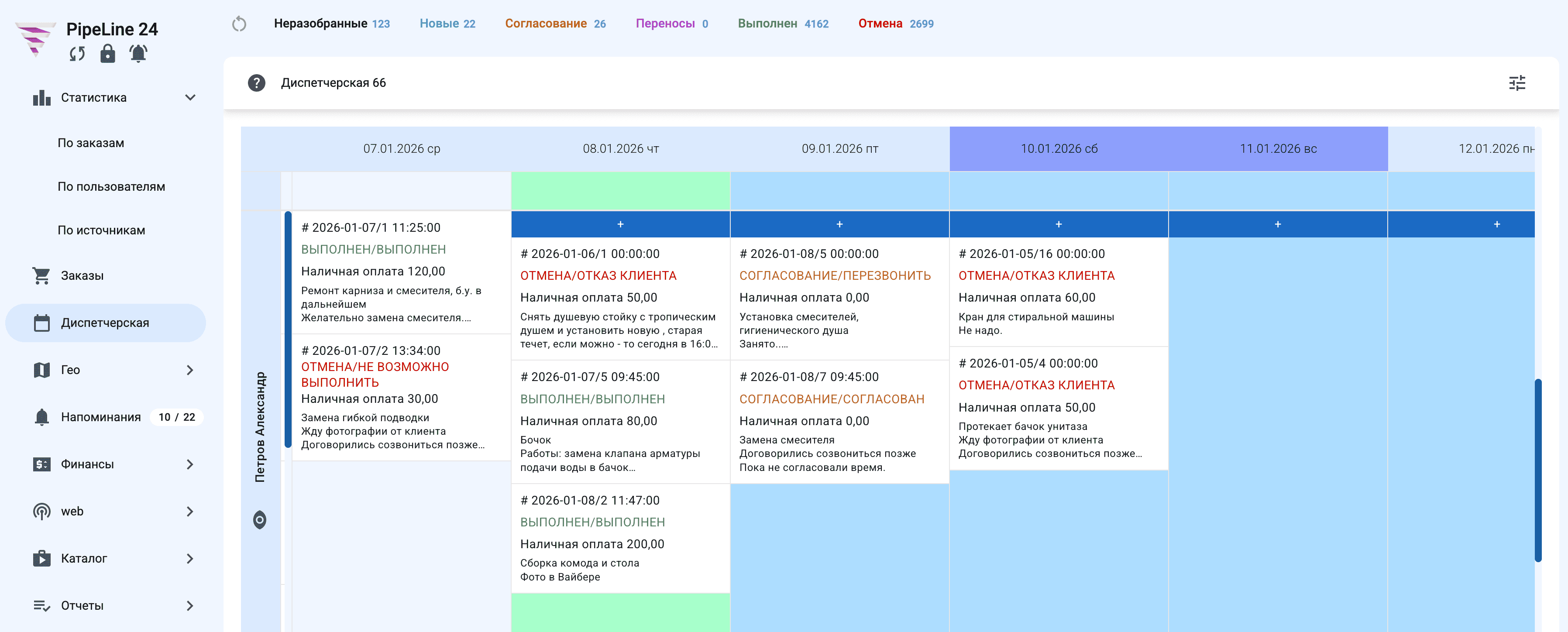
Screenshots for render testing
Extra Media Library images to verify Media Library image embedding in Markdown.